Fake Name Generator for Temp Mail Inbox Testing

Introduction
In the digital age, privacy is a valuable commodity. Whether you are a developer testing form validation or a user signing up for a new online service, using your real personal information carries risks. This is where a fake name generator becomes an indispensable tool. By creating realistic, random identities, you can protect your real data while ensuring your tests function smoothly. Combined with a temporary email inbox, a fake name generator allows you to bypass restrictive sign-up forms and verify functionality without exposing your personal details. This guide will walk you through practical strategies for using identity generators effectively for temp mail testing, ensuring you maintain anonymity and efficiency.
Generating a Complete Fake Identity for Testing
When testing a new registration form, you need more than just a name; you need a complete persona. A robust identity generator provides a full suite of data, including a first name, last name, email address, phone number, and sometimes even a home address. This holistic approach ensures that if a system validates each field individually, your test data passes all checks. To get started, navigate to a trusted fake name generator tool. Select your desired locale or country to ensure the name format matches the target audience. Then, click the generate button. The tool will instantly produce a random name and a corresponding fake email address. Copy the generated details and use them to populate your test forms. This method is particularly useful for QA testers who need to simulate multiple user sign-ups quickly without creating multiple real accounts.
Combining Fake Names with Disposable Email Addresses
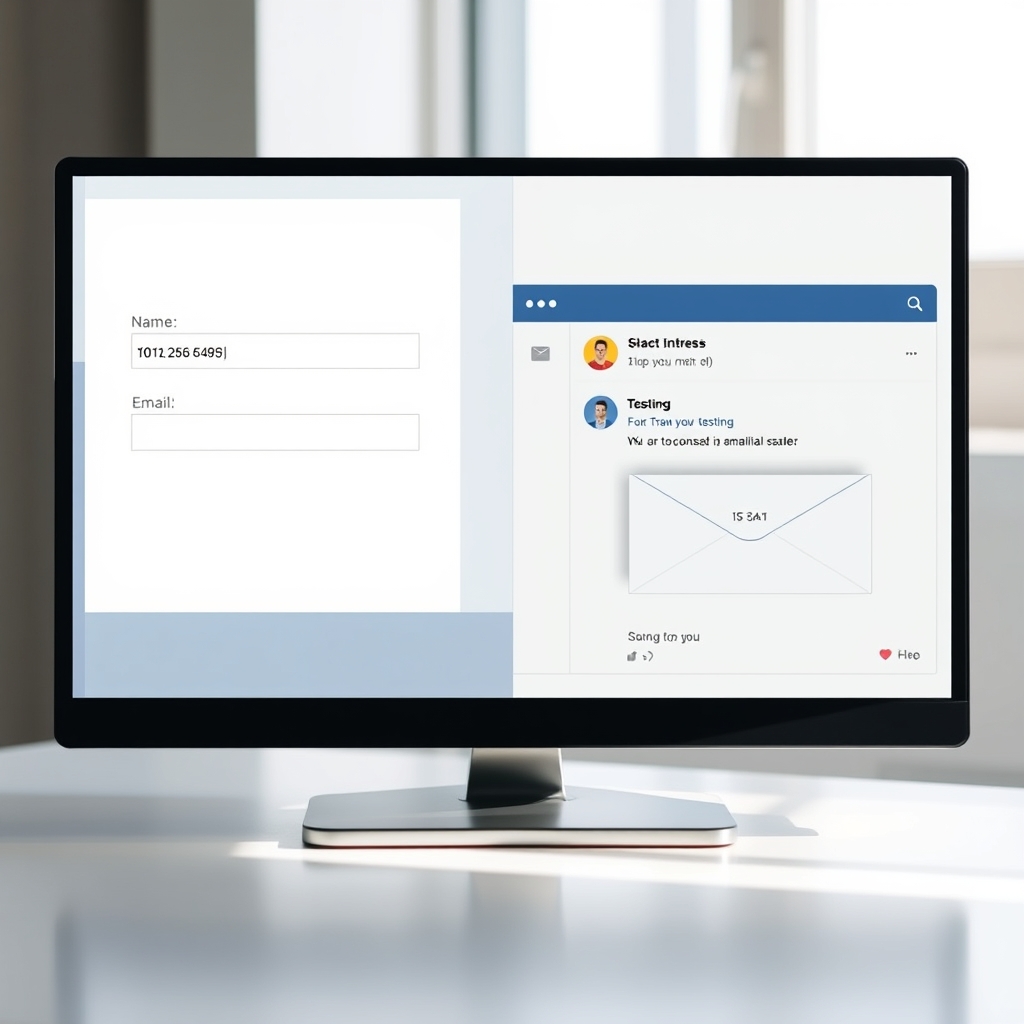
The true power of using a fake name generator for temp mail testing lies in the combination of a random name and a disposable email address. While the generator provides the identity, the temp mail service provides the inbox. When a website sends a verification email, you need a place to receive it. By using a disposable email service alongside the generated identity, you can receive the confirmation link without spamming your primary inbox. To do this, first, generate your fake identity. Note the generated email address. Then, visit your chosen temp mail provider. If the temp mail service allows custom domains or you simply use the provided address, input the generated email into the sign-up form. Any emails sent to that address will appear in your temp mail inbox, allowing you to complete the verification process anonymously.

Validating Form Fields with Random Name Data
Developers and testers often need to ensure that forms accept various input formats. A random name generator is perfect for populating test datasets. You can use the generated data to test character limits, special character handling, and validation rules. For example, if you are testing a signup form, you might want to ensure that the system accepts hyphens in last names or apostrophes in first names. By generating a batch of random names and attempting to register them, you can identify bugs in the input validation logic. This practice helps create a more robust user experience for real users with diverse names. Remember to test both valid and edge-case scenarios to ensure your form handles all types of random data gracefully.

Privacy Benefits of Using Fake Identities Online
Using a fake name generator offers significant privacy benefits for the average internet user. When signing up for newsletters, free trials, or online forums, you are often required to provide an email and name. Using your real name and primary email address can lead to unwanted marketing emails and data profiling. By using a random identity generator, you keep your real persona separate from temporary online interactions. This practice minimizes your digital footprint and reduces the risk of your personal information being sold to third parties. It is a simple yet effective way to maintain control over your personal data while still enjoying the benefits of online services.

Tips for Efficient Bulk Testing with Identity Generators
If you are conducting large-scale testing or need to create multiple dummy accounts, efficiency is key. Many fake name generators allow you to bulk generate identities. Look for features that let you specify the number of names you need and the locale. This allows you to generate a list of 50 or 100 unique identities in seconds. Pair this with a temp mail service that supports bulk address generation or forwarding. This workflow is ideal for load testing or populating a demo environment. Always keep a record of the generated names and their corresponding temp mail addresses in a spreadsheet. This organization ensures that you can track which test account corresponds to which generated identity, making your testing process seamless and repeatable.
Related guides
- Disposable Email vs Burner Email vs Temp Mail — The Real Differences
- Temp Mail for Twitter (X) — Sign Up Without Your Real Email in 2026
- The History and Evolution of Disposable Email Services
Try it now
Ready to get started? Generate a free temporary email address in one click — no signup, no tracking. Need a fake name generator? Open Fake Name Generator and put it to work.
Frequently asked questions
Is it legal to use a fake name generator for online testing?
Yes, using a fake name generator for testing, creative writing, or privacy protection is generally legal. It becomes illegal if used to commit fraud, harassment, or to bypass legal restrictions. Always use these tools for legitimate purposes like QA testing or protecting your personal privacy.
Can I use the generated name for my real email account?
No, you should not use the generated fake name and email for your primary, real-world accounts. These identities are temporary and random. Using them for important accounts may result in loss of access if you forget the credentials, as the generator does not store your personal recovery data.
How do I verify an account using a temp mail and fake name?
First, use the fake name generator to create a random identity, including a fake email address. Then, use that fake email address to sign up for the service. Check the temp mail inbox for a verification email. Click the link inside to complete the registration process anonymously.
What should I look for in a fake name generator for testing?
Look for a generator that offers locale-specific data, includes phone numbers and addresses if needed, and allows bulk generation. The best tools provide realistic data that matches the region you are testing for, ensuring that form validations pass correctly.
Are there free fake name generators that work well for temp mail testing?
Yes, many free tools available online provide complete identities with email addresses. However, for professional QA testing, you may want to look for tools that offer more control over the generated data fields, such as specific country formats or the inclusion of payment card details for e-commerce testing.
Can I generate a fake name without an email address?
Some generators allow you to generate just a name, but for temp mail testing, you need the full package including a fake email. If a generator only provides a name, you will need to pair it with a separate disposable email service to complete the testing workflow.