 inbox Me
Temp Mail for Twitter (X) — Sign Up Without Your Real Email in 2026
Twitter, now rebranded as X, has gone through major changes since 2022 — including stricter account verification and the removal of free API access. But…
[H1] Temp Mail for Twitter (X) — Sign Up Without Your Real Email in 2026
Twitter, now rebranded as X, has gone through major changes since 2022 — including stricter account verification and the removal of free API access. But one thing hasn't changed: creating an account still requires an email address or phone number. If you'd rather not hand X your real inbox, a temporary email is a clean solution.
Here's what we found when we tested inbox Me with X's signup in 2026.
---
[H2] Does X (Twitter) Accept Temporary Email Addresses?
X's signup flow accepts email addresses or phone numbers. Unlike some platforms, X does not aggressively block disposable email domains at the signup stage — it is primarily concerned with phone verification for account features.
[H3] Email vs Phone on X
When you sign up with an email address on X: - X sends a verification code (not a link) to your email - The code is 4–6 digits and expires in a few minutes - No further email confirmation is required after initial signup
This is ideal for temp mail use — inbox Me receives the code almost instantly, and the verification step completes in under a minute.
[H3] When X Asks for a Phone Number
X may ask for a phone number after email signup in specific situations: - If the account is flagged for suspicious activity - If you want to enable certain features (posting, following many accounts quickly) - During appeal processes
The email signup itself does not require a phone number. You can complete the process with inbox Me alone, though adding a phone later is recommended for account longevity.
 ---
---
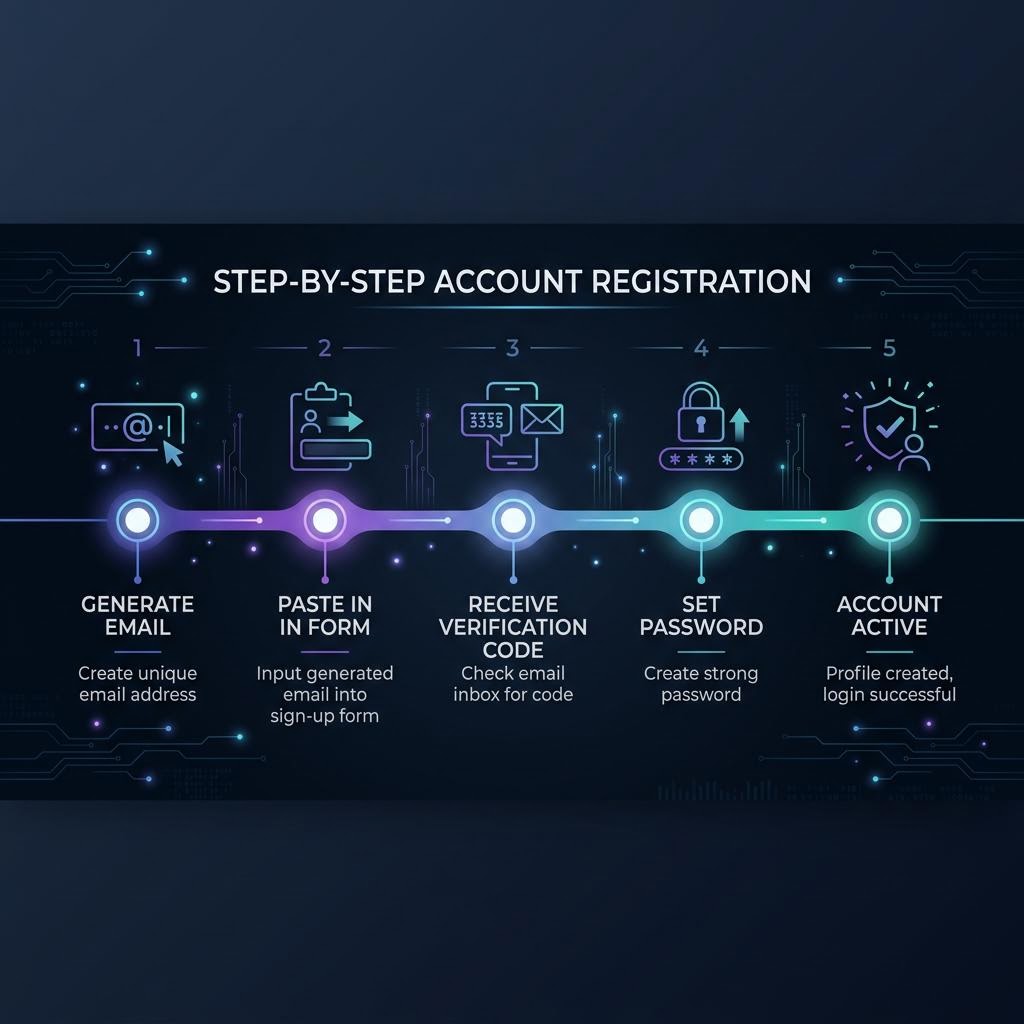
[H2] Step-by-Step: Sign Up for X Using inbox Me
[H3] Step 1 — Get Your Disposable Email
Open inbox Me and copy the auto-generated email address. Do not close this tab until the signup is complete.
[H3] Step 2 — Go to X Signup
Visit x.com and click Create account. Enter your name, then click "Use email instead" (if phone is the default). Paste your inbox Me address.
[H3] Step 3 — Enter Your Date of Birth
X requires a birth date for age verification. Fill this in and continue.
[H3] Step 4 — Receive and Enter the Verification Code
X sends a numeric verification code to your email. It appears in your inbox Me inbox within seconds. Enter the code on X's page.
[H3] Step 5 — Set Password and Profile
Choose a strong password and set up your profile. X may show you topics to follow during this step — you can skip them.
[H3] Step 6 — Save Your Credentials
Write down your X username and password immediately. Once your inbox Me session expires, you will no longer be able to receive X emails at that address. Enable 2FA using an authenticator app (not email) for secure long-term access.
 ---
---
[H2] Why Use Temp Mail for X in 2026?
[H3] Avoiding X's Marketing and Notification Emails
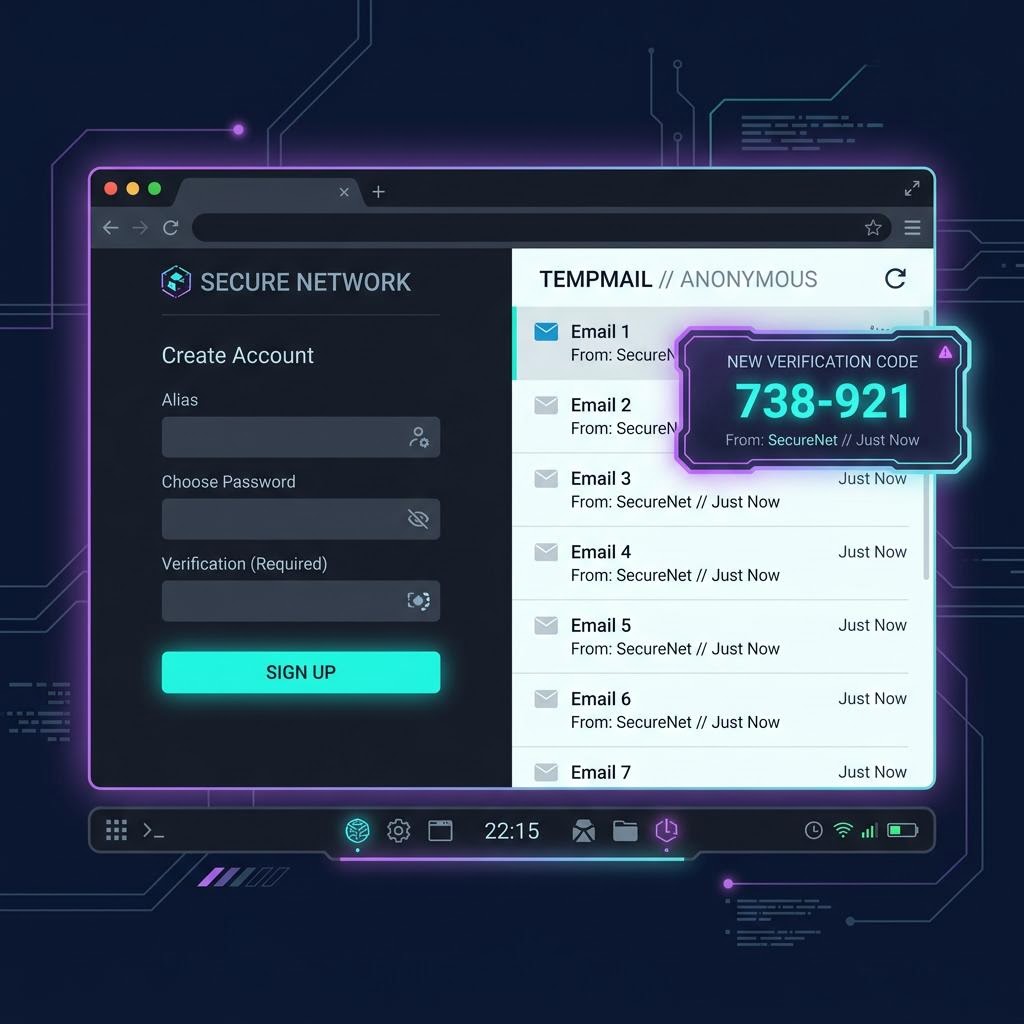
X sends a high volume of notification and promotional emails — new followers, trending topics, recommended accounts. Using a temp email ensures none of this reaches your real inbox.
[H3] Creating a Second or Anonymous Account
X allows multiple accounts per person. A temp mail address lets you keep a second account completely separate from your primary identity.
[H3] Testing for Developers and Researchers
If you're building on the X API or testing social media tools, throwaway accounts created with temp mail keep your test activity separate from your real profile.
[H3] Protecting Your Email From X's Data Practices
X has changed its privacy policy multiple times since 2022. Using a disposable address means your real email is never in their database.
 ---
---
[H2] Important Limitations
X Premium features require phone verification: If you want X Premium (formerly Twitter Blue) or verified status, X requires a phone number. Temp mail handles only the email step.
High-volume activity may trigger locks: Aggressively following, liking, or posting right after signup can trigger X's spam detection, regardless of email type. Build activity gradually.
No password recovery via expired temp mail: Once your inbox Me session closes, email-based password reset won't work. Set a strong password and use an authenticator app for 2FA instead.
---
[H2] Frequently Asked Questions
Does X send a link or a code to my temp email? X sends a numeric verification code, not a link. Codes arrive in inbox Me within seconds.
Can X detect a disposable email address? X does not currently block disposable email domains aggressively at signup. inbox Me's rotating domains pass X's checks as of 2026.
Can I use temp mail to create multiple X accounts? Yes — each account needs its own email. Use a separate inbox Me session for each. Be aware that X monitors unusual patterns of multiple account creation.
What if X locks my account and asks for email verification? If your inbox Me session is still active, you can receive the code. If it has expired, you'll need phone verification as an alternative.
---
[H2] Related Guides on inbox Me
- Temp Email for Social Media Signups — full platform overview
- Temp Mail for Instagram — Instagram signup guide
- Temp Mail for Reddit — Reddit account creation
- Protect Your Real Email Address
- Is Temp Mail Illegal?
---