 inbox Me
Temp Mail for TikTok — Create an Account Without Your Real Email
TikTok collects an enormous amount of data — your watch history, location, device information, and the email address you signed up with. If you'd rather…
[H1] Temp Mail for TikTok — Create an Account Without Your Real Email
TikTok collects an enormous amount of data — your watch history, location, device information, and the email address you signed up with. If you'd rather keep your real inbox out of that data profile, using a temporary email for signup is a clean and practical option.
Here's what works in 2026, tested with inbox Me.
---
[H2] Does TikTok Accept Temporary Email Addresses?
TikTok's signup process is relatively permissive with email addresses. As of 2026:
- TikTok accepts most email domains including common disposable domains
- TikTok sends a 6-digit verification code to the email you provide
- The code is valid for a short window (usually 10–15 minutes)
- TikTok does not block entire IP ranges for using temp mail
[H3] When TikTok May Ask for a Phone Number Instead
If TikTok shows a phone verification prompt instead of accepting the email verification, it may be because: - The app/browser session has been flagged as suspicious - Too many accounts have been created from the same IP - You are in a region where TikTok prefers phone-based signup
In these cases, use a browser (not the app) and try from a fresh session. Most users can complete email-only signup without issues.
 ---
---
[H2] Step-by-Step: Create a TikTok Account with inbox Me
[H3] Step 1 — Generate Your Temp Email
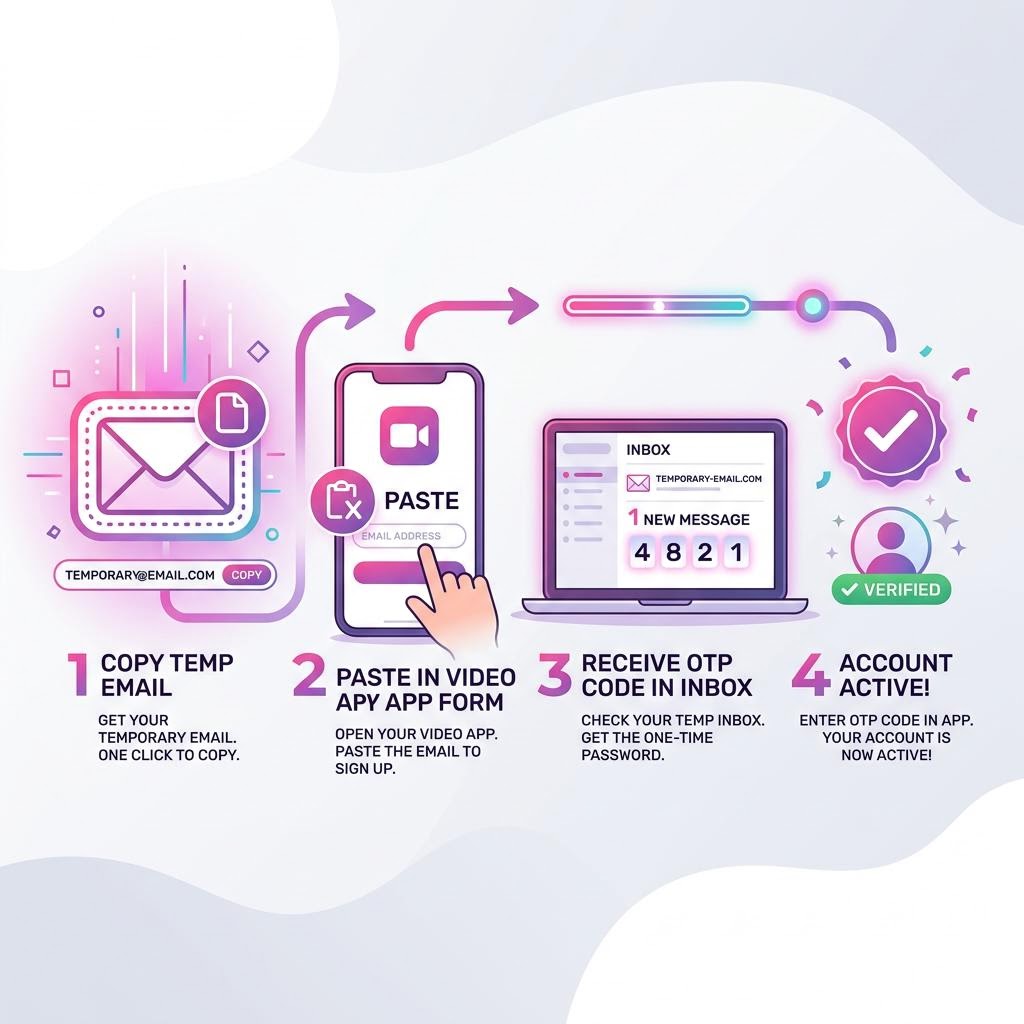
Go to inbox Me and copy your auto-generated email address. Keep the tab open — you'll need it for the verification code within a few minutes.
[H3] Step 2 — Open TikTok Signup
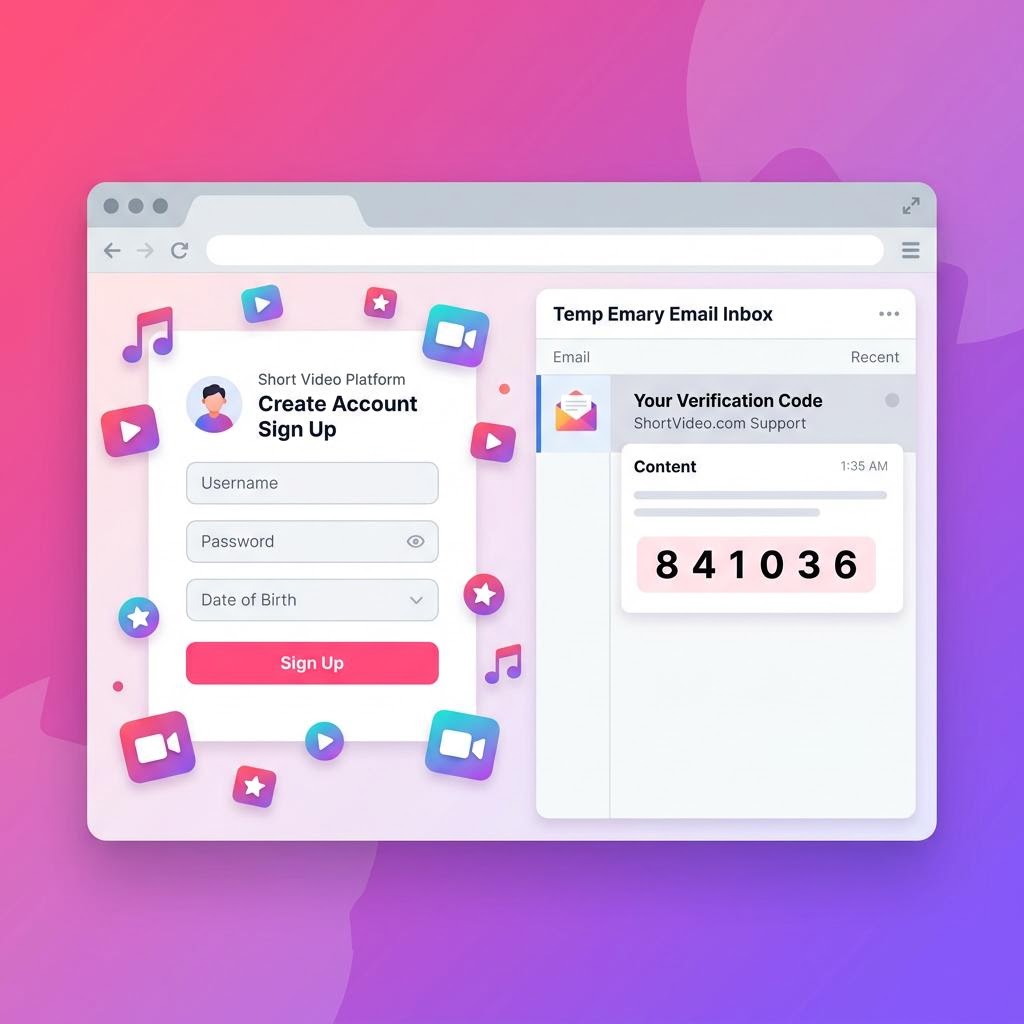
Go to tiktok.com (browser) or open the TikTok app. Choose Sign up with email. Paste your inbox Me address into the email field and tap Send Code.
[H3] Step 3 — Get the Verification Code
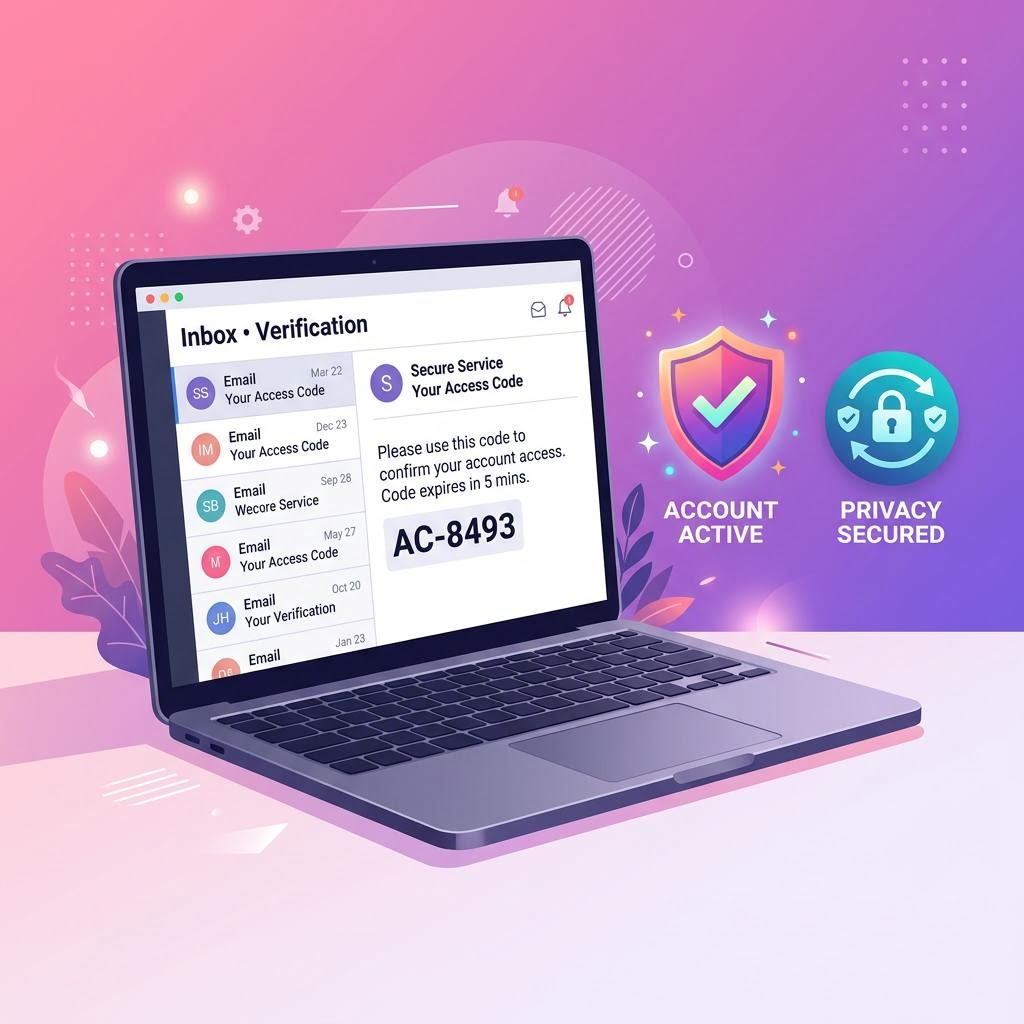
TikTok sends a 6-digit code to your email. Open your inbox Me tab — the email arrives within seconds. The code is valid for 10–15 minutes.
[H3] Step 4 — Set Password and Birthday
Enter the code on TikTok, set a password, and enter your date of birth. TikTok requires users to be 13 or older.
[H3] Step 5 — Choose a Username
TikTok auto-generates a username. You can change it in settings after signup. Your account is now active.
[H3] Step 6 — Secure Your Account
TikTok does not offer email-free password reset — if you lose your password and your inbox Me session has expired, recovery will require phone number or other methods TikTok offers. Set a memorable password and note it down.
 ---
---
[H2] Why People Use Temp Mail for TikTok
[H3] Privacy From TikTok's Data Collection
TikTok is known for extensive data collection. Your email address is one data point they hold indefinitely. Using a disposable address means your real inbox is never in their database.
[H3] Creating a Second or Creator Account
TikTok allows multiple accounts. Content creators often maintain separate accounts for different audiences or niches. A temp email makes it easy to keep accounts completely separate.
[H3] Testing Content Before Committing
If you want to see how the algorithm responds to a certain type of content before investing in a primary account, creating a test account with temp mail is the practical approach.
[H3] Avoiding TikTok's Email Marketing
TikTok sends frequent promotional and notification emails. Using a disposable address means all of that marketing never reaches your real inbox.
 ---
---
[H2] What TikTok Collects Beyond Your Email
Even with a temporary email, be aware that TikTok collects: - Device identifiers — your phone's advertising ID and device fingerprint - IP address — linked to your approximate location - Watch behavior — every video you watch, pause, or replay - App usage patterns — time spent, features used
A temp email protects your inbox specifically. For broader privacy, combine it with a VPN and a browser session rather than the app. See our guide: Protect Your Real Email Address.
---
[H2] Frequently Asked Questions
Does TikTok send a link or a code to temp mail? TikTok sends a 6-digit numeric code, not a link. inbox Me receives it within seconds.
Can TikTok detect and block temp mail domains? TikTok does not aggressively block disposable domains. inbox Me's rotating domain pool further reduces this risk.
Can I create multiple TikTok accounts with temp mail? Yes — use a separate inbox Me session for each account. Each account needs a unique email address.
What happens if I need to reset my TikTok password after temp mail expires? Use your phone number for reset if you added one, or use TikTok's "Log in with" options if available. Always set a strong password at signup.
Is using temp mail for TikTok legal? Yes — see Is Temp Mail Illegal? for the full legal breakdown.
---
[H2] Related Guides on inbox Me
- Temp Mail for Instagram
- Temp Mail for Twitter (X)
- Temp Mail for Reddit
- Temp Email for Social Media Signups
- Protect Your Real Email Address
- Top Reasons to Use Temp Mail in 2026
---