 inbox Me
Temp Mail for Fortnite — What Epic Games Accepts and Blocks in 2026
Fortnite has over 400 million registered accounts and a massive in-game economy built on V-Bucks, rare skins, and limited-edition items. Accounts get…
[H1] Temp Mail for Fortnite — What Epic Games Accepts and Blocks in 2026
Fortnite has over 400 million registered accounts and a massive in-game economy built on V-Bucks, rare skins, and limited-edition items. Accounts get hacked, banned, or restricted regularly — making it appealing to create accounts that aren't tied to your real email. But Epic Games, which runs Fortnite, is stricter than most platforms about email verification.
Here's what we tested and found in 2026.
---
[H2] Does Epic Games Accept Temporary Email for Fortnite?
Epic Games (the platform behind Fortnite) requires a verified email address for every account. Their system checks email domains against disposable email blocklists during signup.
[H3] What Epic Actually Checks
Epic Games uses email validation that includes: 1. Format validation — the address must be valid format 2. Domain MX record check — the domain must actually receive email 3. Blocklist check — Epic maintains a list of known disposable email domains
inbox Me uses rotating domains, and many of these pass Epic's check. However, Epic's blocklist is more aggressive than most — if you get a "this email is not accepted" error, change your inbox Me domain and try again.
[H3] The Verification Email Step
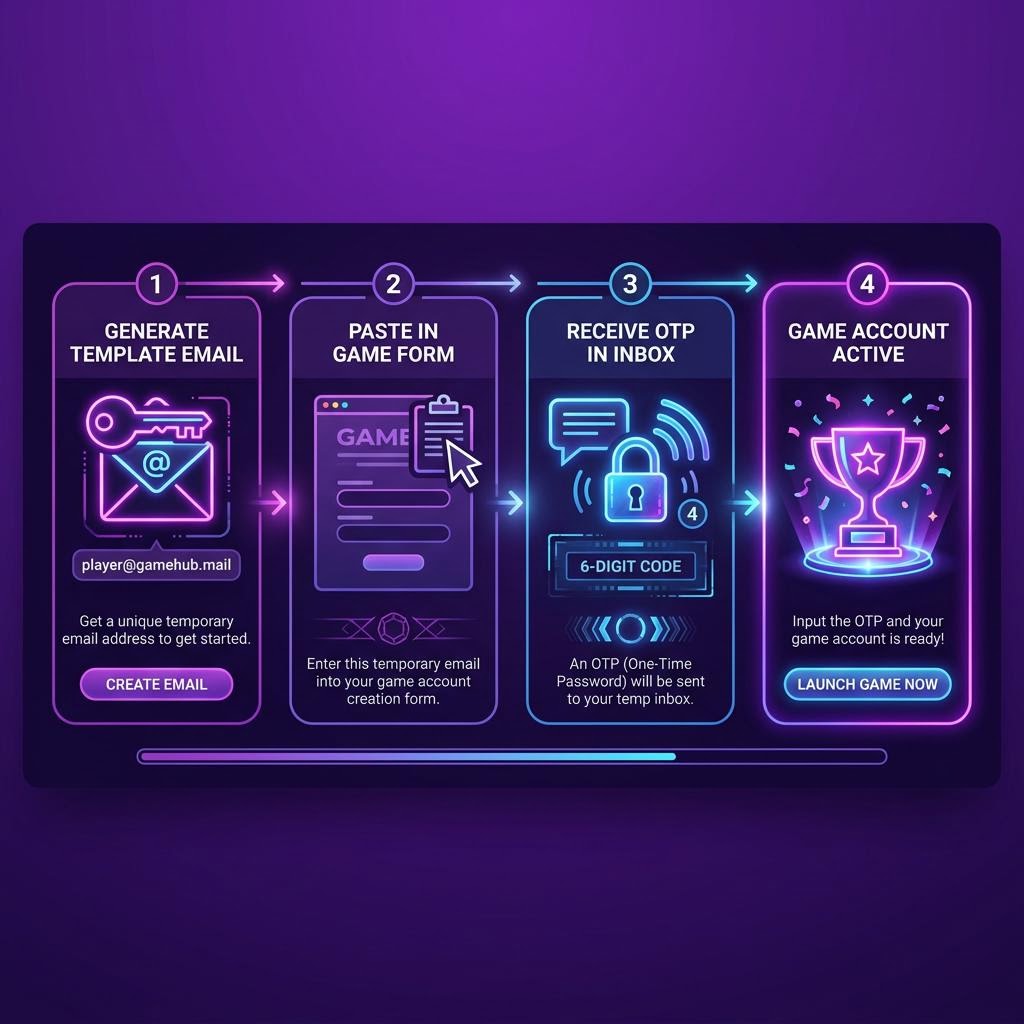
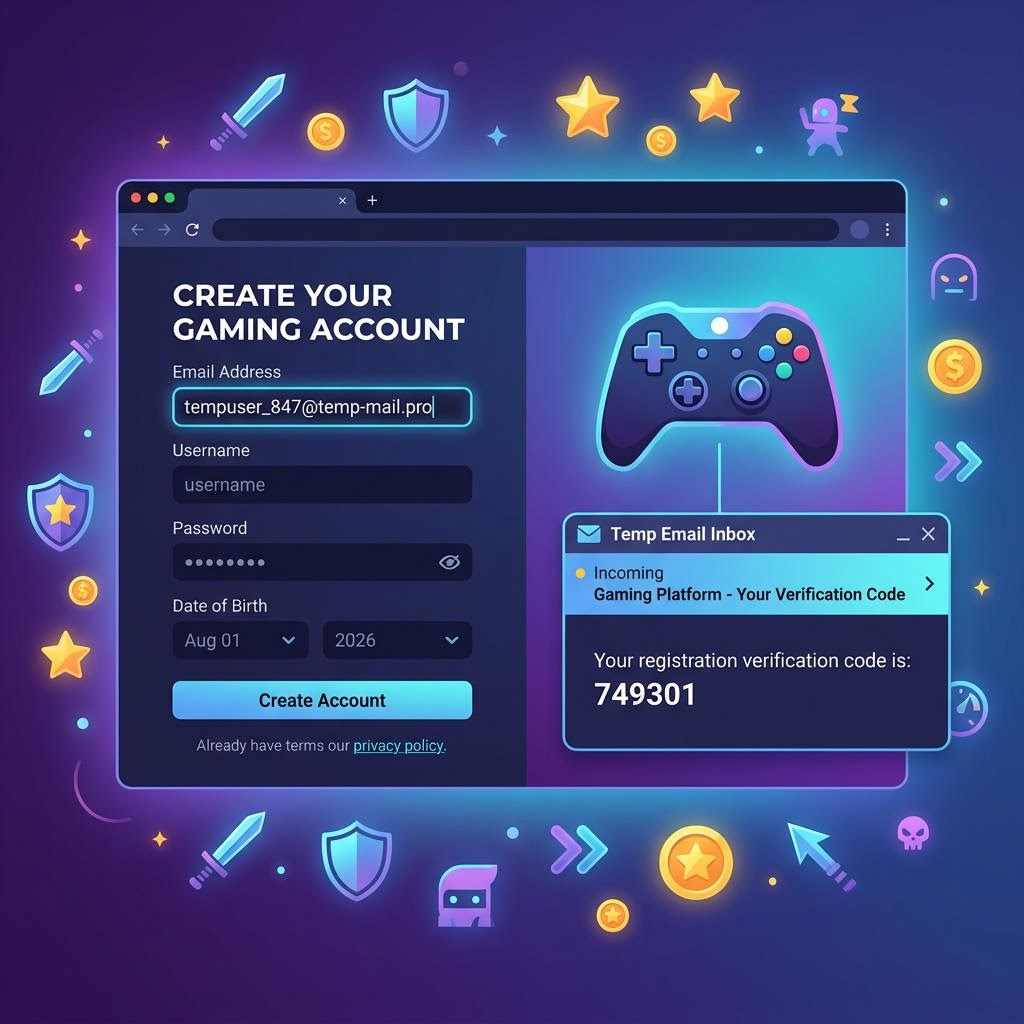
Epic sends a verification code to your email during signup. The code has a short expiry (usually 10–15 minutes). inbox Me auto-refreshes and delivers this code within seconds of Epic sending it.
 ---
---
[H2] Step-by-Step: Create a Fortnite / Epic Account with inbox Me
[H3] Step 1 — Generate Your Temp Email
Open inbox Me and copy the auto-generated email. Keep the tab open.
[H3] Step 2 — Go to Epic Games Signup
Visit epicgames.com and click Sign In, then Sign Up. Fill in your name, username, and password. Paste your inbox Me address in the email field.
If Epic rejects the domain, tap "change" on inbox Me to get a new domain, and update the email field. Repeat until it accepts.
[H3] Step 3 — Receive the Verification Code
Epic sends a verification code to your email. It arrives in inbox Me within seconds. Enter the code on Epic's verification screen.
[H3] Step 4 — Launch Fortnite
Download and launch Fortnite. Log in with your Epic credentials. Your account is fully functional.
[H3] Step 5 — Understand the Limitations
Do not make real purchases on this account. Epic links payment methods to accounts, and a lost account (due to expired temp mail + forgotten password) means lost purchases. For free play and testing, temp mail accounts work well. For V-Bucks purchases and Battle Pass, use a real email or at minimum add a phone number for recovery.
 ---
---
[H2] Why People Use Temp Mail for Fortnite
[H3] Creating a Secondary Account
Fortnite players often maintain secondary accounts for practicing mechanics, testing strategies, or playing with friends of different skill levels. A temp mail account keeps the secondary profile completely separate.
[H3] Protecting Your Primary Account
Ironically, temp mail can protect your real email from Epic's marketing emails, account compromise attempts (phishing often targets the email on record), and newsletter spam.
[H3] Account Safety Testing
Developers and security researchers use temp mail accounts to test how Fortnite's systems respond to certain actions without risking their main accounts.
 ---
---
[H2] Important Warnings for Fortnite + Temp Mail
Epic's anti-cheat and ban system: Epic uses EAC (Easy Anti-Cheat) and monitors accounts for suspicious behavior. Using a temp mail does not directly trigger bans, but creating many accounts quickly from the same IP can.
V-Bucks and purchases are account-bound: Any in-game purchases made on a temp mail account are lost if you lose access to the account. Never spend real money on an account you may lose.
Account recovery is email-dependent: If you forget your Fortnite password and your inbox Me session is gone, password reset goes to the dead temp email. Epic's support can help with recovery if you have proof of account ownership, but this is slow and not guaranteed.
Epic does not allow account sharing: Each account should be used by one person. Multiple accounts per person are technically against Epic's terms, though enforcement is inconsistent for secondary accounts.
---
[H2] Frequently Asked Questions
Does Epic Games block temp mail domains? Yes — Epic has an active blocklist. inbox Me's rotating domains mean many pass through, but some may be blocked. Change the domain if you get a rejection error.
Can I play Fortnite for free with a temp mail account? Yes. Fortnite's core game is free. A temp mail account gives you full access to the free tier. Battle Pass and cosmetics require real purchases.
Can I link a temp mail account to consoles (PS5, Xbox)? Yes — Epic accounts are linked to consoles via account linking, not email. A temp mail account works for console linking.
What happens if I get hacked and need Epic support? Epic support asks for proof of account ownership (purchase history, original registration details). Without a verified email, this process is harder. This is why temp mail accounts are better suited for free play.
---
[H2] Related Guides on inbox Me
- Temp Mail for Epic Games — full Epic platform guide
- Temp Mail for Roblox — gaming platform guide
- Temp Mail for Steam — Steam signup guide
- Temp Mail for Riot Games — Valorant, LoL
- Temp Mail Not Working? — troubleshooting guide
- Is Temp Mail Illegal?
---