 inbox Me
Temp Mail for Facebook — How to Sign Up Without Your Real Email
Temp Mail for Facebook — How to Sign Up Without Your Real Email Facebook collects more personal data than almost any platform on the internet. Your email…
Temp Mail for Facebook — How to Sign Up Without Your Real Email
Facebook collects more personal data than almost any platform on the internet. Your email address is the first thing it asks for — and the last thing you want to hand over without thinking. Using a temporary email for Facebook lets you create an account, join groups, or test a page without tying your real inbox to Meta's data machine.
Here's what actually works in 2026, tested.
---
Does Facebook Accept Temporary Email Addresses?
Facebook's signup process is stricter than many platforms. It checks email domains against known disposable providers, and some of the most commonly used temp mail domains are blocked. However, Facebook cannot block all temporary email addresses because:
- New domains are added to disposable pools constantly
- Many temp mail services (including inbox Me) rotate domains regularly
- Facebook primarily relies on SMS verification as its real security layer — not email alone
What Facebook Actually Checks
Facebook verifies that: 1. The email address is valid format and the domain resolves 2. The email is not on its internal blocklist of known disposable domains 3. A confirmation email can be sent and — crucially — you can click the link inside it
inbox Me uses domains that are not on Facebook's blocklist as of 2026. If one domain gets blocked, switch to a new inbox Me address (tap "change" to get a new domain).
When It Fails
If Facebook says "this email is already linked to an account" or "invalid email," the domain has been flagged. Simply generate a new inbox Me address — the domain changes each time you hit the refresh button.
 ---
---
Step-by-Step: Create a Facebook Account with Temp Mail
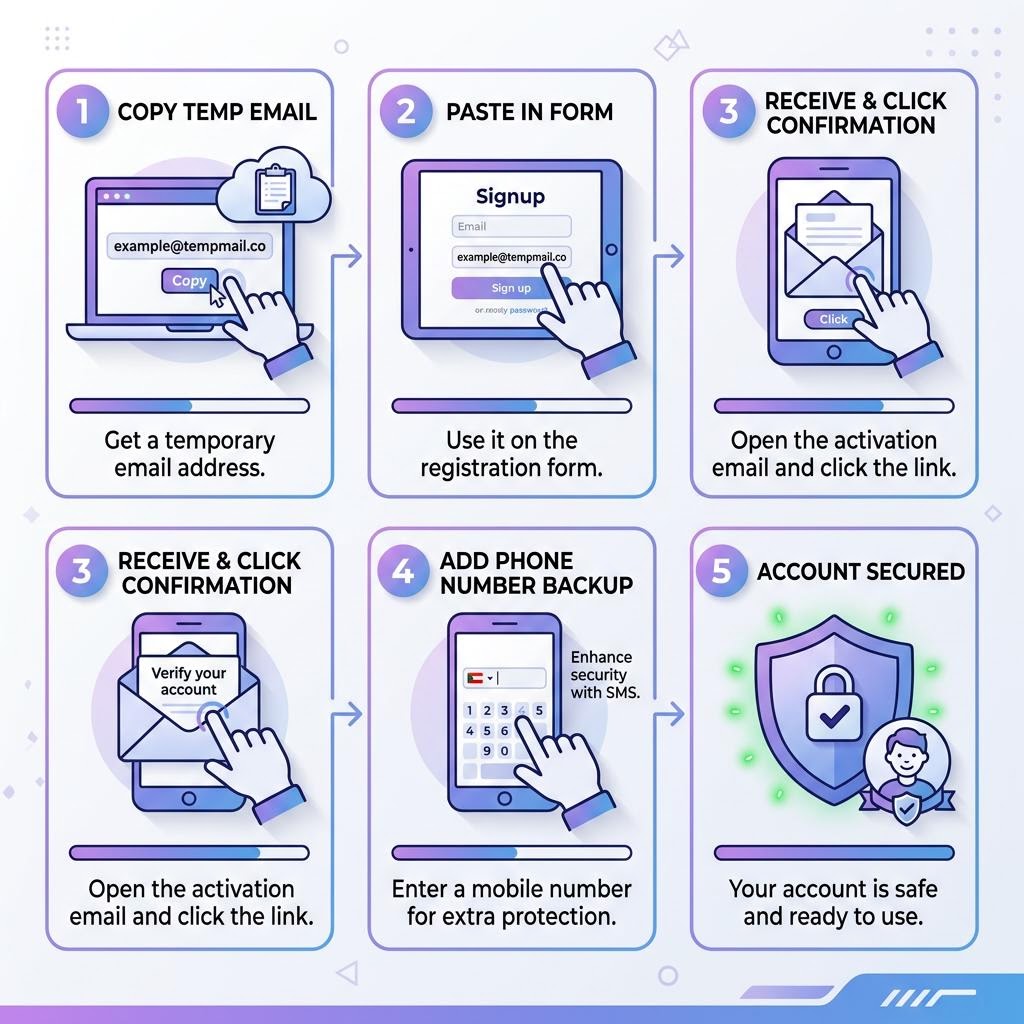
Step 1 — Open inbox Me and Copy Your Address
Go to inbox Me and copy the auto-generated email address. Keep this tab open throughout the process.
Step 2 — Go to Facebook Signup
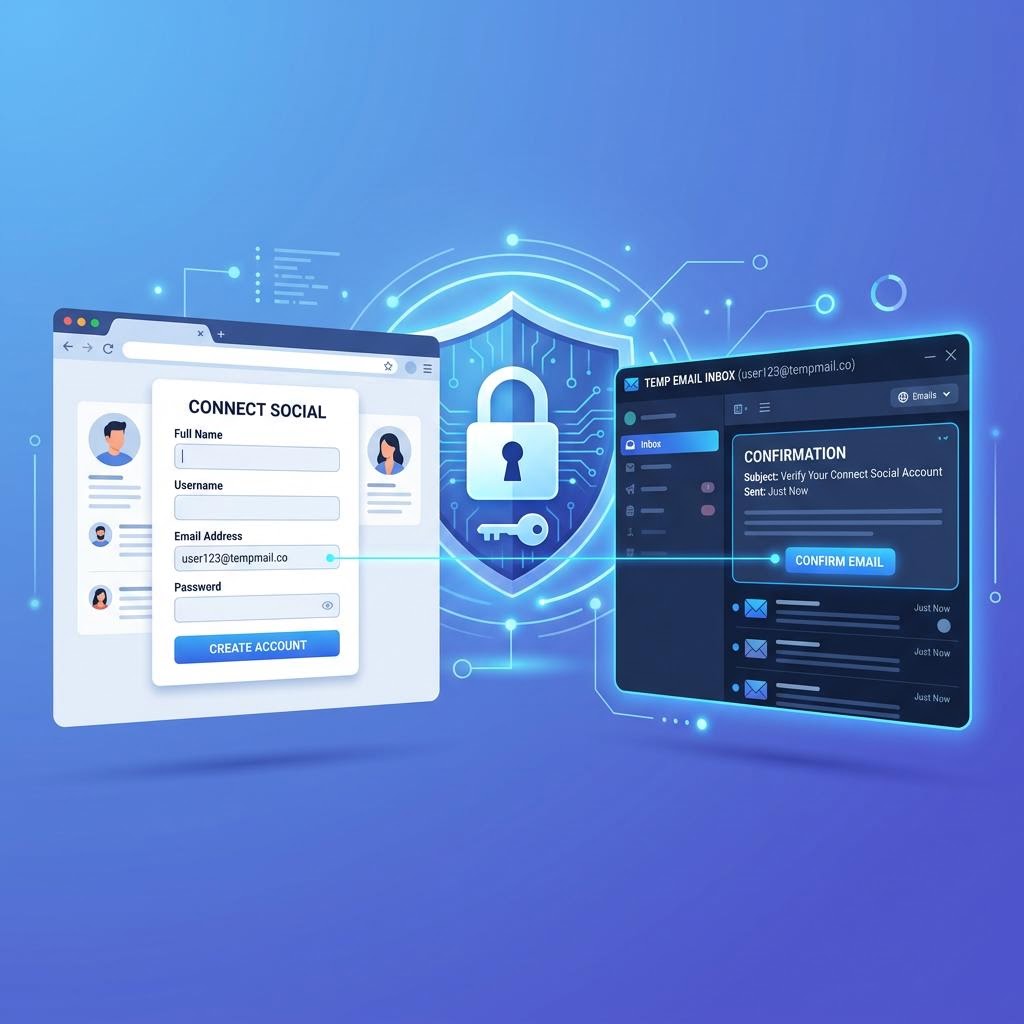
Visit facebook.com or open the Facebook app. Click Create new account. Fill in your name, birthday, and gender — then paste your inbox Me address into the email field.
Step 3 — Check the Confirmation Email
Facebook sends a confirmation link to your email. It arrives in your inbox Me inbox within 30–60 seconds. Click the confirmation link directly from the inbox Me interface.
Step 4 — Complete Facebook's Profile Setup
Facebook will ask you to add a profile picture and find friends. You can skip these steps. Your account is active as soon as you confirm the email.
Step 5 — Secure the Account Immediately
Add a phone number to your Facebook account right away. This is critical — when your inbox Me session expires, the temp email is gone, and Facebook password resets will only go to that email. A phone number as backup means you can always recover the account.
 ---
---
What Can You Do With a Facebook Account Made With Temp Mail?
Create and Manage a Facebook Page
Business pages and creator pages require a Facebook account — not necessarily a personal real email. A temp-mail-created account can own and manage pages normally.
Join Groups and Communities
If you want to participate in a Facebook group without revealing your real identity or email, a temp mail account works fine for this purpose.
Test Facebook Ads or Business Manager
Developers and marketers often need test accounts for Facebook's advertising platform. A temp mail account keeps your real personal profile separate from test activity.
Protect Your Real Inbox From Meta's Emails
Facebook sends promotional, notification, and retargeting emails constantly. Using a disposable address means all of that goes to an inbox that disappears — not your personal inbox.
 ---
---
Risks and Limitations to Know
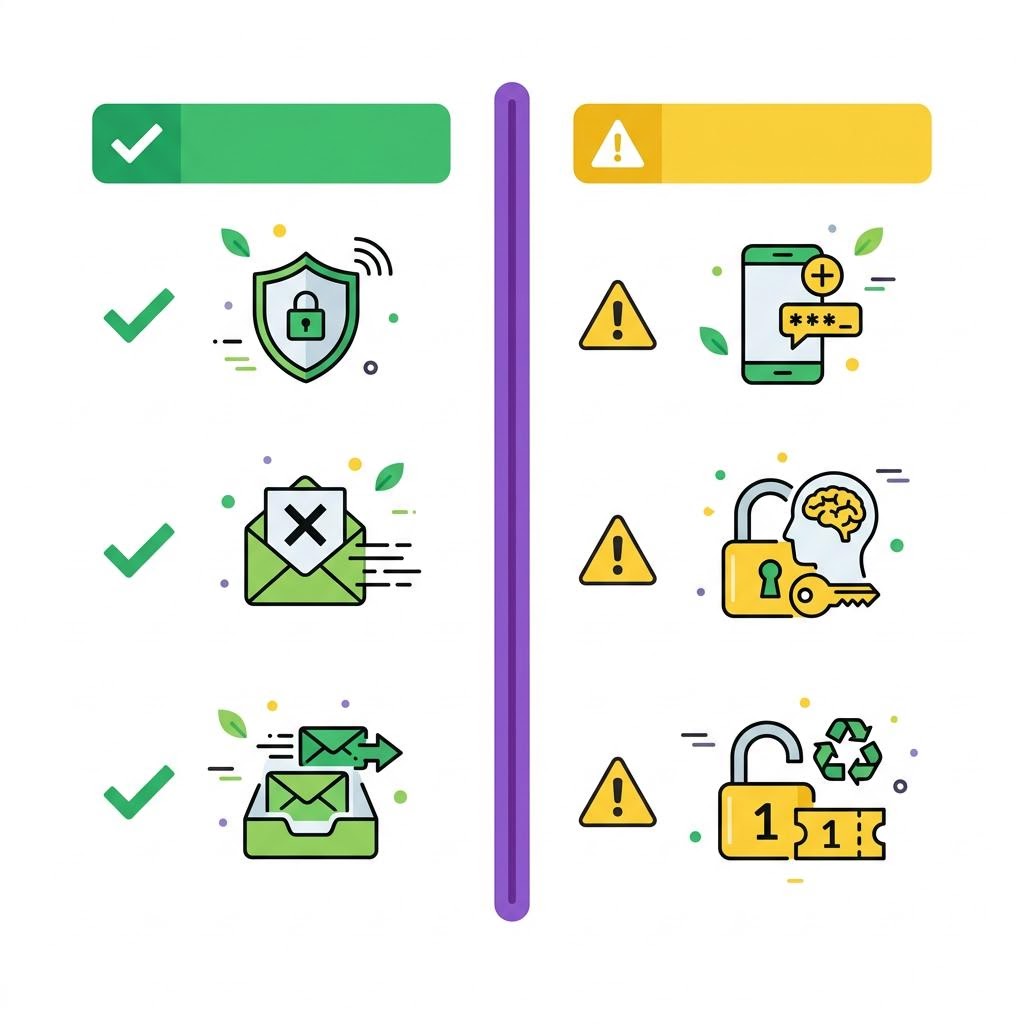
Facebook's real identity policy: Facebook officially requires real names and real information. Using a fake name (not just a temp email) violates their terms. The email itself is not specified in the policy, but be aware accounts can be suspended if reported.
Phone verification may still be required: For new accounts, especially from shared IP addresses, Facebook sometimes requires phone verification in addition to email. Temp mail handles the email step — for phone, you'll need a real or VoIP number.
No email recovery after temp mail expires: Once your inbox Me session ends, you cannot receive Facebook emails at that address. Always set a password you'll remember and add a phone number.
---
Frequently Asked Questions
Can Facebook detect a temp mail address? Facebook checks against known disposable domains. Some are blocked, some are not. inbox Me uses rotating domains — if one gets blocked, generate a new address.
Does Facebook require email verification? Yes. Facebook sends a confirmation code or link to your email. You must access it to complete signup. inbox Me receives Facebook's emails reliably.
Can I use temp mail to make multiple Facebook accounts? Each account needs its own email. Use a different inbox Me address for each one. Note that multiple accounts from the same device may trigger Facebook's review systems.
What if I forget my Facebook password and temp mail is expired? You won't be able to receive reset emails. Add a phone number to your account before your temp mail session expires.