 inbox Me
How to Use Temporary Email for Social Media Sign-ups
Social media platforms are among the most aggressive email marketers on the internet. Sign up with your real address and you can expect a steady stream of…
 Social media platforms are among the most aggressive email marketers on the internet. Sign up with your real address and you can expect a steady stream of notifications, weekly digests, "you have new followers," and targeted re-engagement campaigns — forever. A temporary email address breaks that cycle at the source. ## Why social platforms want your real email so badly Your email address is the key to retargeted advertising. Once a platform has it, they can match you to ad profiles, upload your address to ad networks, and build lookalike audiences. Even if you delete the account, the email address often remains in their marketing database. A disposable inbox gives them nothing useful — just a dead-end address that disappears after you're done.
 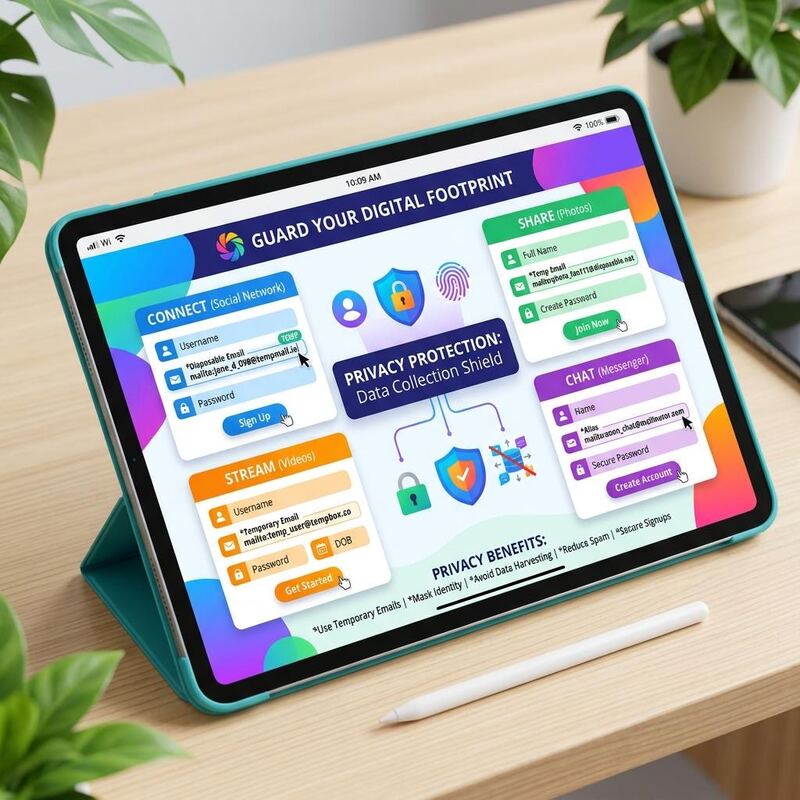 ## Which platforms work well with temp mail Most social networks that only require email verification to activate an account work fine: - Reddit: verify the account, browse freely. The address can be anything. - Pinterest, Quora, Medium: gated content or personalization features often require email confirmation; a temp address passes the gate. - Discord servers that require email verification to join: a single OTP is all that's needed. - Twitter/X: you can sign up with email, though some features later push for phone verification. ## Where temp mail won't work Platforms that use your email as an identity recovery mechanism — Instagram, Facebook, LinkedIn — are problematic if you ever lock yourself out and need to recover the account. For those platforms, you're better off using a permanent (if obscure) address and keeping the login credentials in a password manager.
  ## A practical social media privacy workflow 1. For platforms you're "just checking out," use a temporary email address and a strong unique password stored in your password manager. 2. For platforms you'll use actively long-term, use a dedicated secondary email address (not your primary) that you control. 3. Never use your work or primary personal address for social platforms — the marketing exposure and breach risk aren't worth it. Ready to sign up for your next platform without the spam? Get a free temporary email address in one click.