 inbox Me
Disposable Email for Online Shopping: A Complete Guide
Online shopping is one of the most common sources of promotional spam, precisely because almost every checkout flow asks for an email address — usually to…
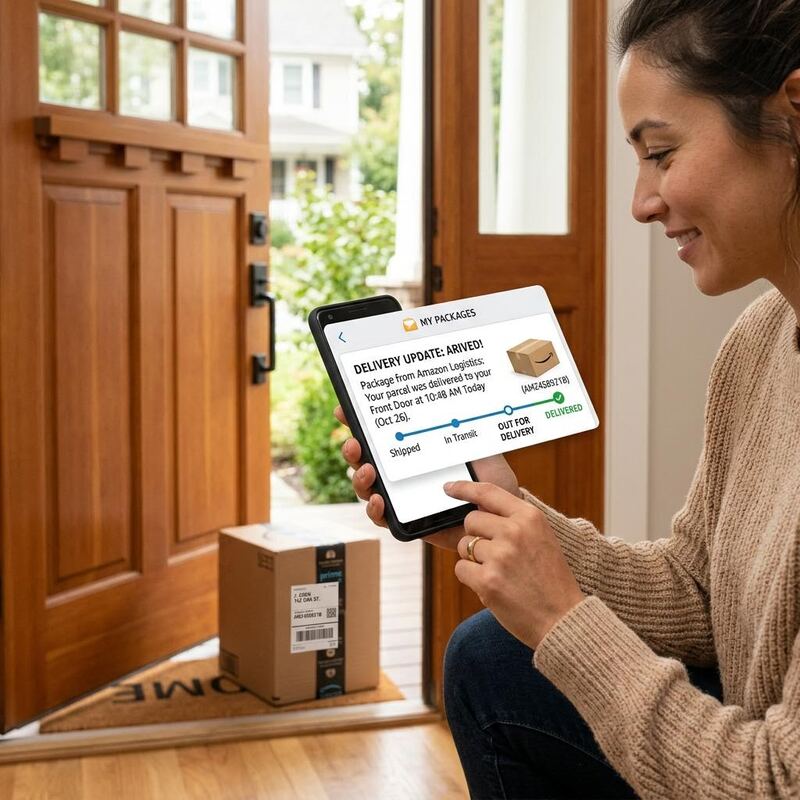
 Online shopping is one of the most common sources of promotional spam, precisely because almost every checkout flow asks for an email address — usually to send an order confirmation, but often also to enroll you in a marketing list by default. Here's how to shop cleanly. ## What you actually need email for during checkout Two things, realistically: the order confirmation and, sometimes, a shipping notification. Both arrive within minutes to a couple of days of placing the order — well within a temporary inbox's normal lifespan.
 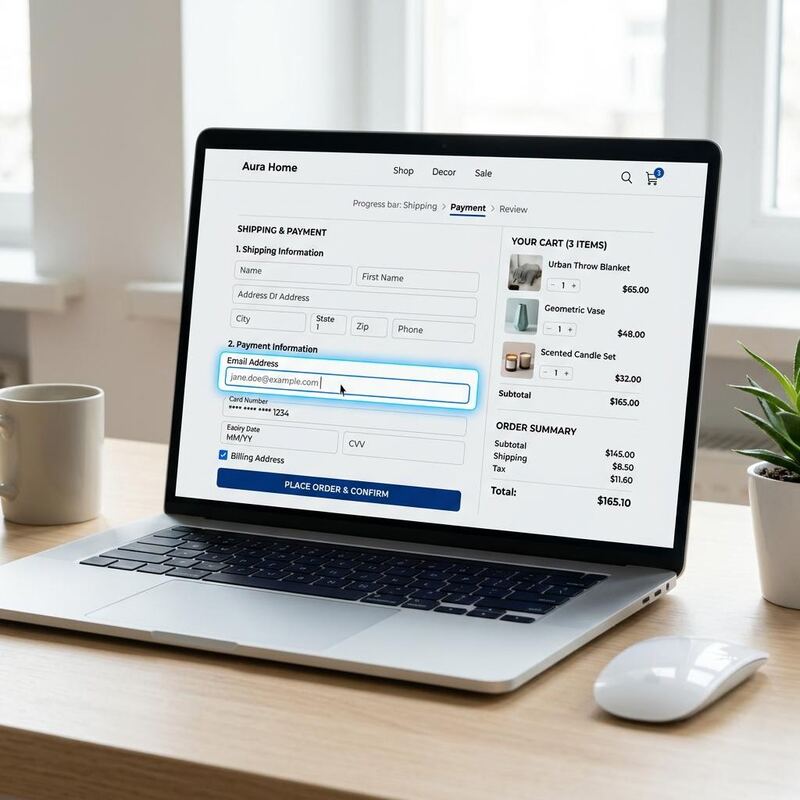 ## What retailers use it for beyond that Almost every major retailer will also use your email for: promotional newsletters, abandoned-cart reminders, "we think you'll like this" recommendation emails, and — after a data breach, which happens more often than you'd think in retail — potentially in a leaked customer list. None of that requires your real, permanent address. ## A practical shopping workflow 1. Use a fresh temporary email address for the checkout. 2. Save the order confirmation email or screenshot it if you'll need the order number for support later (temp inboxes don't survive indefinitely). 3. If the retailer needs to reach you about a delivery issue days later, keep the session/tab open or note the temp address until the package arrives. 4. For recurring shopping — a store you'll buy from regularly — consider using your real address just for that one retailer, so order history and returns stay easy to manage.
  ## The one exception: subscriptions and warranties Anything involving a recurring charge, a warranty claim, or a return that might take weeks needs an email address you can still access later. That's a case for your permanent inbox, not a disposable one — see our temporary vs. permanent email comparison for the full decision framework. Ready to check out without the promo emails? Get a free temp mail address first.